
Why Choose This Package?
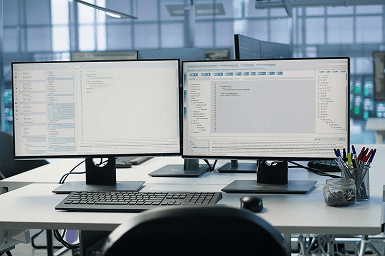
If more than one person is involved in your bookkeeping, staying organised can become challenging. The KYB CAIR Split System allows transaction entry to be completed on one workstation while the business owner keeps the main workbook for reviewing records, reports, and other important business information. It’s a practical way to share everyday bookkeeping tasks without giving up control of your records.
- Owner Workbook – Manage financial reports, bank reconciliation, ledgers, supplier balances, and business controls.
- Data-Entry Workbook – Allow an employee or bookkeeper to record sales, payments, deposits, purchases, and supplier invoices from another workstation.
- Split System Guide – Learn how information is safely transferred between the data-entry workstation and the owner’s main system.
- Bookkeeping Support Material – Understand journals, cash flow, financial reports, account codes, and everyday record keeping.
Simplify Your Daily Bookkeeping
Record daily transactions from one workstation and transfer the information to the owner’s main workbook for review and reporting. This keeps records organised while reducing the owner’s data-entry workload.
A Practical Solution For
- Business owners who want to delegate bookkeeping tasks.
- Businesses working with an employee, data processor, or bookkeeper.
- Owners who want to retain control of confidential reports.
- Businesses that prefer a spreadsheet-based bookkeeping system.
A Simplified Approach to Bookkeeping
The KYB CAIR Split System separates routine data entry from the owner’s financial controls. No complicated cloud system or ongoing subscription; just a practical way to manage bookkeeping across two workstations.
Still Have Questions?
Here are the answers most business owners look for.
Is this accounting software?
It is a spreadsheet-based bookkeeping and preliminary financial reporting system designed for everyday business use.
Do I need accounting knowledge?
No advanced accounting knowledge is required. The included guides and practice sections help explain how to record transactions and review reports.
Can I work with an accountant?
Yes. Your accountant or tax professional can review the records, reports, and year-end information.
Which platform does it support?
The product is available for Apache OpenOffice, Microsoft Excel, and Google Sheets, depending on the version purchased.
Can a bookkeeper use the second workstation?
Yes. A bookkeeper or data processor can enter authorised transactions without needing access to all owner-level reports.
Is commercial use allowed?
Yes. The system can be used for business purposes under the applicable product licence.