

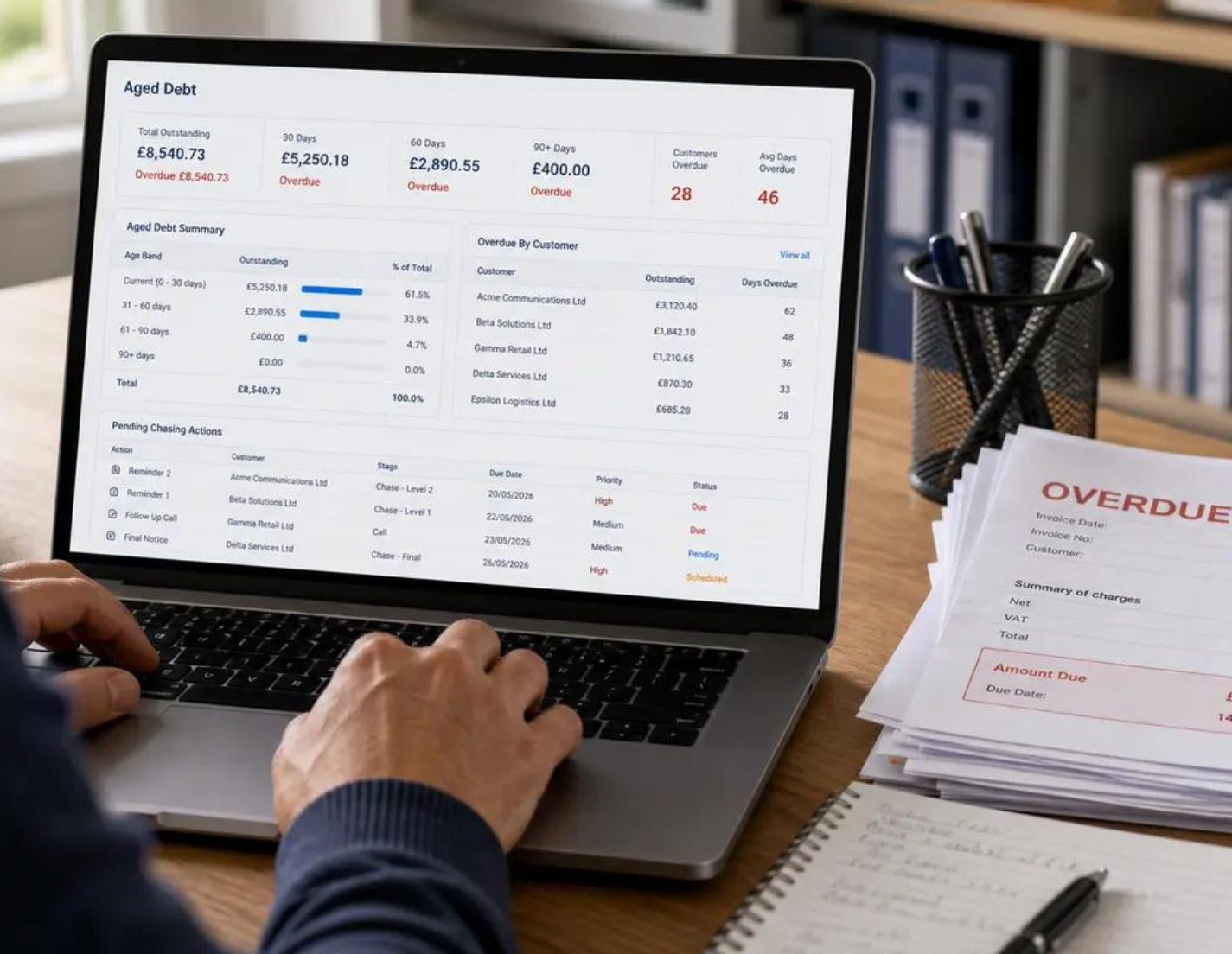
Making a sale is one thing, but receiving the money is another. A business may sell goods today and allow the customer to pay after 30 days. Until the payment is received, that money is still owed to the business. When there are only a few customers, keeping track of these amounts may not seem difficult. But as the sales figure climbs, it gets more and more difficult to remember who has paid, who has made part-payments and which invoices are outstanding. That’s where good bookkeeping comes in.
Keeping these records organised is an important part of bookkeeping for business owners, as it helps businesses understand what customers owe and which payments are still outstanding.
Every sale made on credit should be recorded and every payment received should be entered against the important invoice. This allows the business owner to see what is still owed without having to go through old emails, invoices or bank statements each time. Let’s see how you can track overdue invoices and keep a proper record of customer payments.
Understanding the difference between recording customer payments and managing supplier bills is also important. You can learn more about tracking supplier invoices and outstanding payments in Excel.
1. Maintain a Record of Each Invoice You Send to a Customer
Whenever you sell goods or provide a service and allow the customer to pay later, then you are suggested to record the invoice. The record should have the customer name, invoice number, date, amount, and the date on which payment is expected.
ABC Traders sells goods worth $750 to a customer on 1 October. The customer agrees to pay by 31 October. The invoice should be entered in the business records as follows:
| Customer | Customer A |
|---|---|
| Invoice Number | INV-101 |
| Invoice Date | 1 Oct |
| Due Date | 31 Oct |
| Amount | $750 |
This gives you a record of the sale and the amount the customer has agreed to pay. Do not depend on keeping the invoice in your email and hoping you will remember it later. The amount due should be recorded in your bookkeeping system when the sale takes place.
For a better understanding of how everyday business activities become financial records, read our guide on How Business Transactions Become Records.
2. Record Each Payment When It Is Received
Now assume the customer pays $300 counter to the $750 invoice. The business has received $300, but the invoice has not been funded in full. The customer still owes $450.
Your records should show this change.
Invoice Amount: $750
Payment Received: $300
Amount Still Owed: $450
When the customer pays the remaining $450, enter that payment as well. The balance should then become zero. This is how the records should follow what happens in the business. The original invoice remains part of the record, while each payment shows how much of the amount has been settled.
If a customer makes several payments against the same invoice, enter each one with its date and payment details. Do not simply replace the original invoice amount with the amount remaining.
3. Keep the Payment Due Date in Your Records
The date an invoice is issued and the date payment is expected are two different things. Understanding the difference between cash accounting and accrual accounting can also help business owners understand why a sale may be recorded before the customer makes the payment. A business may send an invoice on 1 October and allow the customer 30 days to pay. In that case, the payment is due on 31 October, according to the agreed terms.
Make sure this date is entered correctly. Otherwise, you may think a customer is late when the agreed payment date has not yet arrived. It is also worth making the payment terms clear on the invoice. If you expect payment within 15 or 30 days, the customer should know this from the beginning.
The due date gives you something definite to refer to when checking unpaid invoices.
4. Use a Simple Spreadsheet to Track Overdue Invoices
When a number of customers owe money, it helps to keep all the invoice facts in one place. You can use Excel to arrange a simple customer payment tracker. Start with these column headings:
| Column | Information to Record |
|---|---|
| A | Customer Name |
| B | Invoice Number |
| C | Invoice Date |
| D | Due Date |
| E | Invoice Amount |
| F | Amount Paid |
| G | Outstanding Balance |
| H | Payment Status |
| I | Last Payment Date |
| J | Notes |
Enter each invoice on a separate row. If the same customer receives five invoices, there should be five separate entries.
5. Calculate the Amount Still Owed in Excel
There is no need to work out every outstanding balance yourself. Excel can do this calculation. Suppose you have entered the invoice amount in column E and the payment received in column F. To see how much the customer still owes, enter this formula in cell G2:
=E2-F2
For an invoice of $750, where the customer has paid $300, the balance will show $450. You can copy the same formula down column G to work out the remaining amount for your other invoices.
Whenever the customer makes another payment, enter it in the records. The balance will then show how much is still to be paid. If you receive a credit note or make any other adjustment, record that as well and keep the reason for the change. There is no need to change the original invoice figure and lose sight of what was first charged.
What matters is that you can see the original amount, the payments received and what the customer still owes. The records should tell you exactly where things stand.
Businesses should also maintain accurate records of their supplier payments. Learn more in our guide on How to Track Supplier Invoices and Outstanding Payments in Excel.
6. Identify Which Invoices Are Overdue
Now that you know how much each customer owes, you also need to know when that payment was due. Take the $750 invoice as an example. For example, if the customer was due to pay by 31 October and has only paid $300, the remaining $450 is still due. If the agreed payment date passes, then that unpaid amount is overdue.
Enter payment received, remaining balance and due date together in your records. It is easier to see which customers have not paid on time and how much money is outstanding. You can use a payment status column to show what has happened to each invoice.
7. Find Out How Long an Invoice Has Been Overdue
It is one thing to know that a customer owes money. It is another to know how long that amount has remained unpaid. A payment that is five days late is not in the same position as one that has been outstanding for three months. You can arrange your overdue invoices into groups.
It helps you see which amounts need attention first. You can also identify customers who regularly pay late and those who may simply have missed a recent payment.
The important thing is to know how long the money has been owed and not treat every unpaid invoice as though it is in the same position.
8. Contact Customers about Overdue Payments
Once the payment date has passed, check the invoice and make sure the amount is correct. Then contact the customer.
There is no need to make the first reminder complicated. Ask whether they have received the invoice and when payment can be expected.
9. Update the Records after Receiving Payment
When the customer takes care of the bill, enter it against the correct invoice. Step into a world where the customer still owes $450 and pays $200. The record should now show that $250 remains unpaid. When the final $250 arrives, update the record again. The outstanding balance should be zero.
Keep the payment confirmation or bank details with the invoice record. This gives you something to refer to if there is ever a question about the payment.
Do not mark an invoice as paid simply because the customer says the money has been sent. Check that the payment has actually reached the business and that it belongs to the invoice in question.
10. Check Outstanding Customer Payments Regularly
A customer payment tracker is only useful when the entries are kept up to date. Set aside some time each week to go through the outstanding invoices. Now, have a quick peek if new invoices have been entered, payments have been recorded and overdue amounts have been followed up.
You should also compare the payment entries with your bank records. If an amount does not agree, find out why rather than changing the figure just to make it match. A regular check helps prevent small mistakes from building up and makes it easier to know exactly what customers still owe.
Final Thoughts
A sale is not the same as receiving the money. When goods or services are supplied on terms of payment, the business has an amount due from the customer. That amount should remain in the records until it has been paid or otherwise settled.
Every payment received changes the amount still owed. It should be entered when it happens so that the records show the correct position.
Business owners should not have to guess how much customers owe or spend time searching through old invoices to find out. Their bookkeeping records should give them that information. That is what proper bookkeeping is about. Record the financial actions as they take place keep the records up to date and know what is happening in your business.